Your lights,
on the beat.
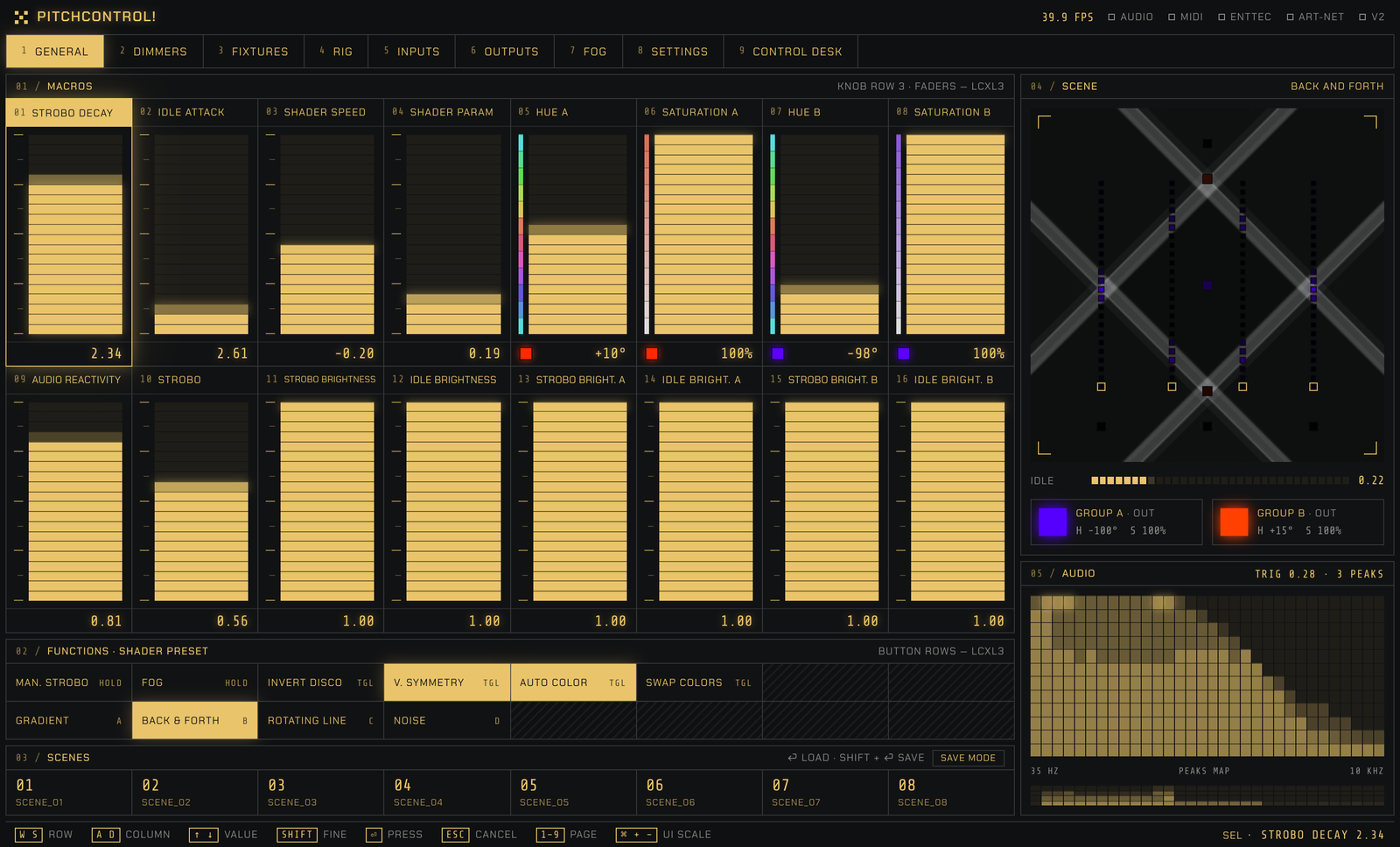
PitchControl! listens to the music and plays your lights with it. Peaks fire the strobo, the room glows in between, and a moving mask spreads it all across your rig. Run it from the keyboard or a MIDI controller, send it over DMX or Art-Net.
For macOS (Apple Silicon) and Windows. Version 1.2.1, released 2026-10-09. What’s new
01/How it works
- 01
Audio in
Your audio interface, a mixer feed or simply a microphone.
- 02
Analysis
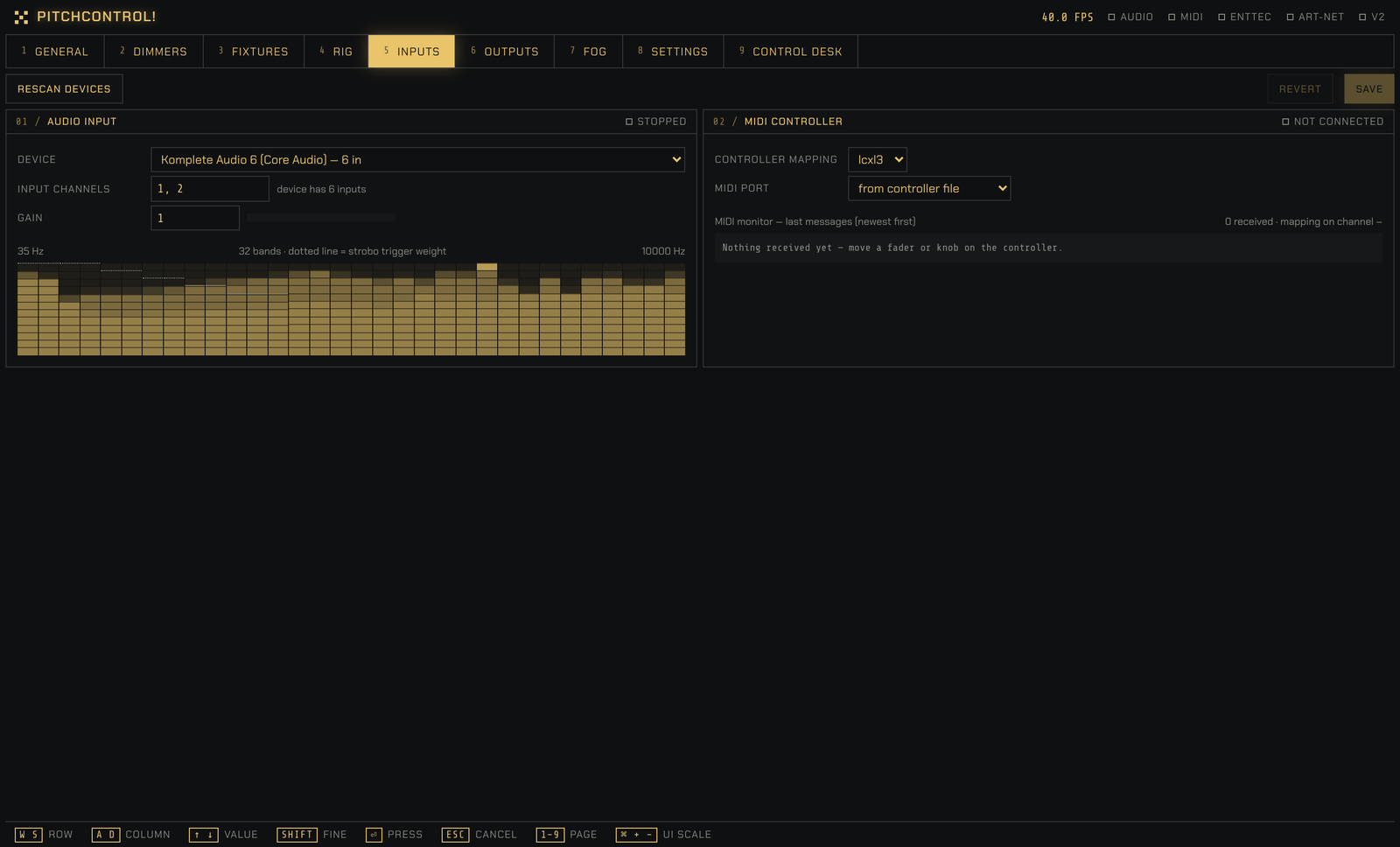
32 frequency bands. An octave-weighted trigger finds the peaks.
- 03
Strobo / idle
Every peak fires the strobo. In between, the lights fade back to their idle colours.
- 04
Mask
A moving mask spreads the light across the room.
- 05
Output
DMX over USB, Art-Net or serial, 40 frames per second.
02/Mask presets
Four ways to move light through a room.
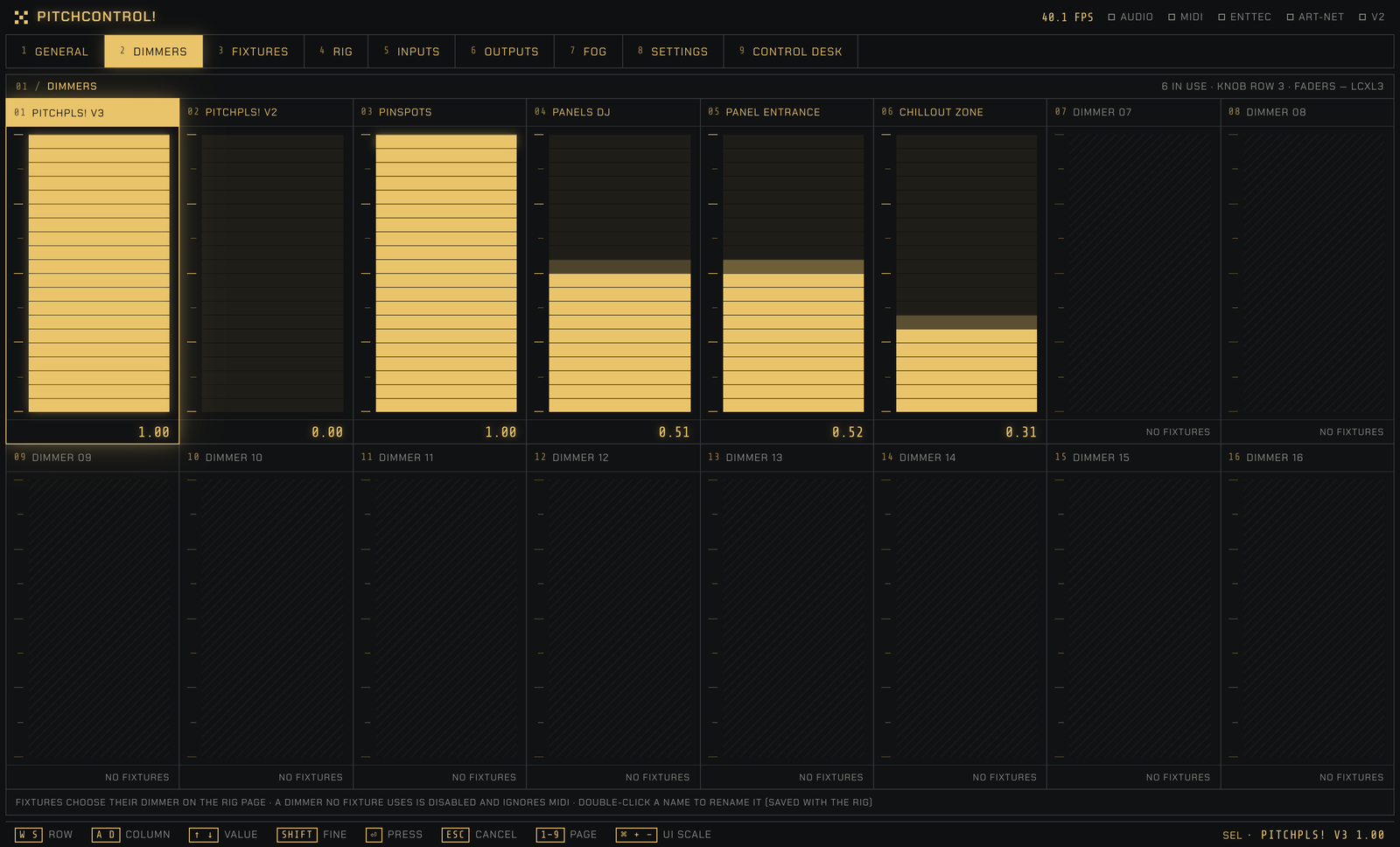
Every fixture has a place in the room, and the mask decides how bright each pixel is. Change the speed and shape from the faders, mirror it with symmetry, and switch presets with a smooth crossfade.
A soft fade across the room, vertical or horizontal.
A wide band that sweeps from side to side.
A line turning around the centre of the rig.
Drifting clouds that jump to a new place on every peak.
03/Features
Strobo on the peaks
The audio analysis listens for peaks and fires the strobo with them. Decay, attack and reactivity are on faders, so you can go from a gentle glow to full-on flashes.
Two colour groups
Split the rig into groups A and B, each with its own hue and saturation. Let Auto Color pick from a palette, or swap the two with one button.
Eight scenes
Store all 16 macros in a scene and recall it with one key. Build the looks before the night, switch between them as the set evolves.
MIDI controller ready
Plug in a Novation Launch Control XL and play: faders, knobs and buttons are mapped out of the box. Other controllers are a small JSON file away.
DMX and Art-Net
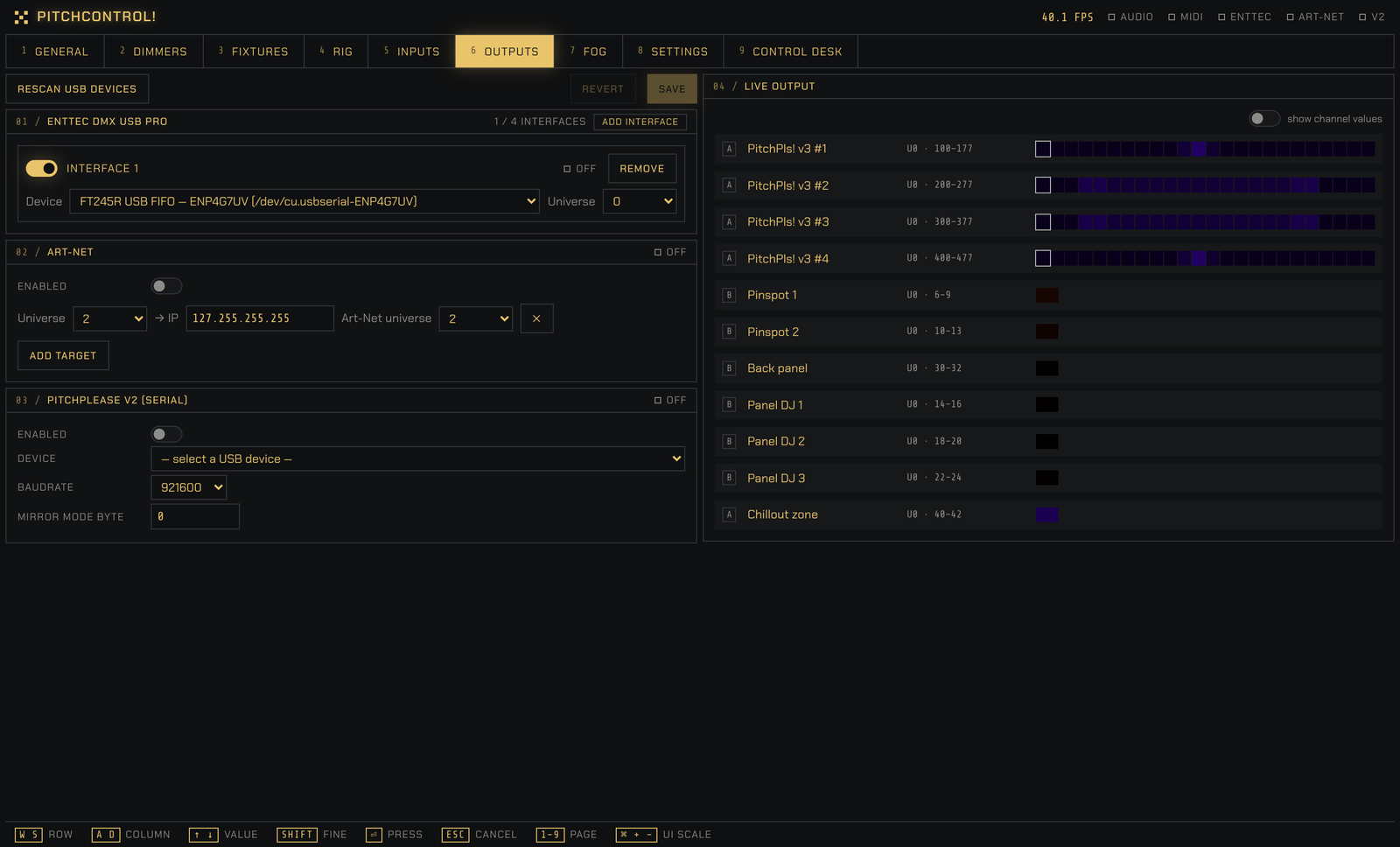
Send to an Enttec DMX USB Pro, to Art-Net nodes on your network and to PitchPlease serial strips, all at once and across up to four universes.
Fixtures and rigs
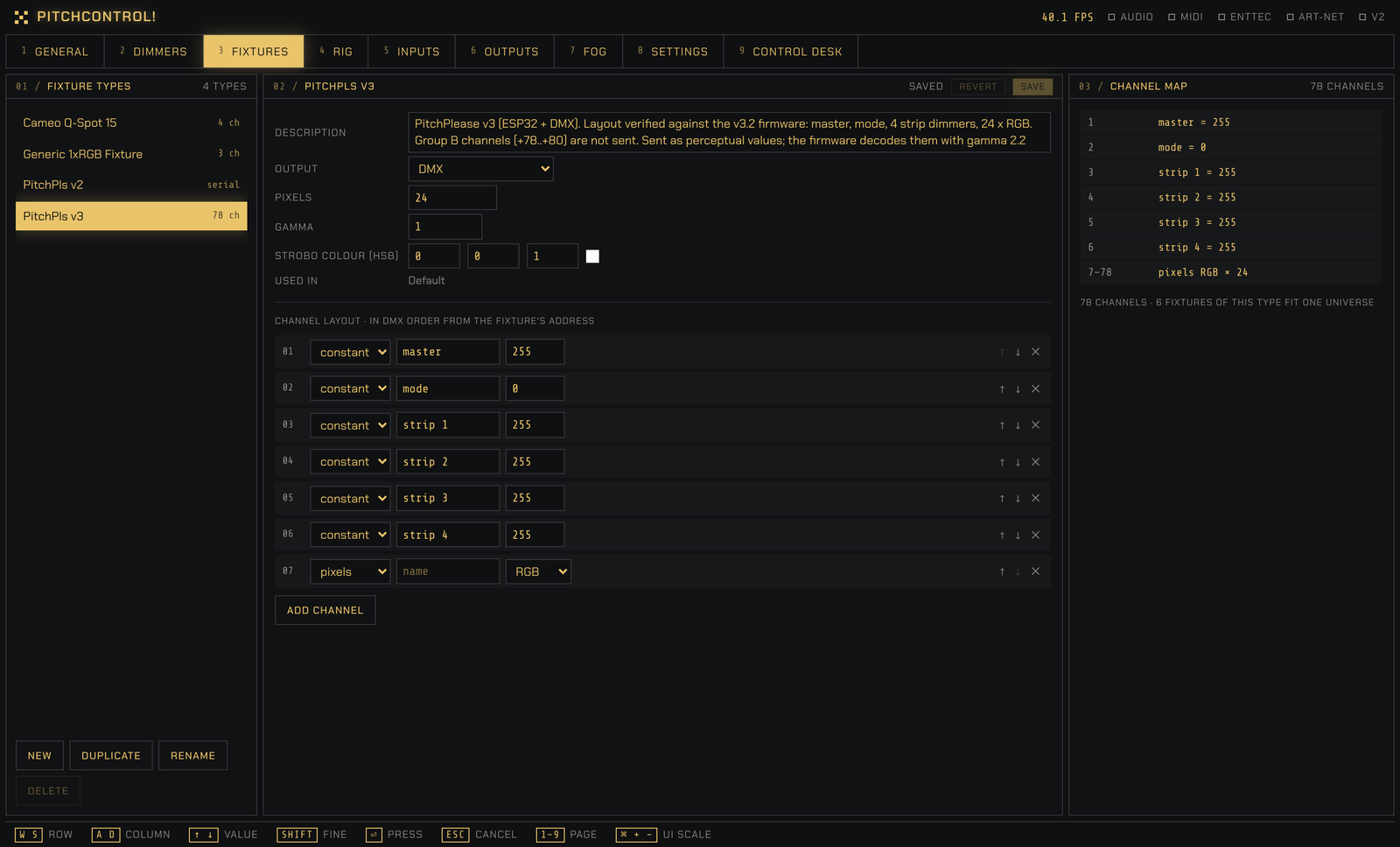
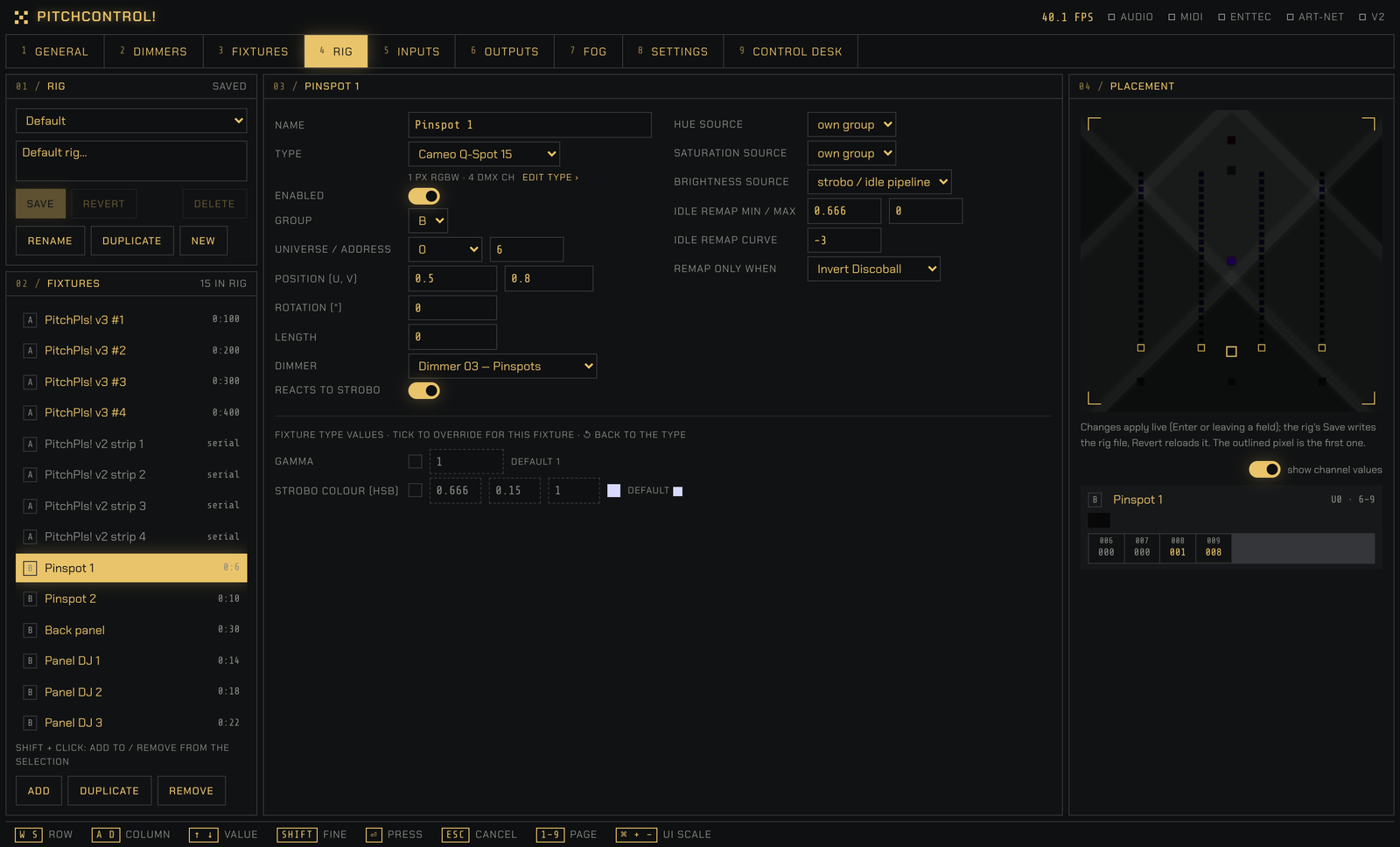
Describe a fixture model once, channel by channel, then place as many as you need in a rig. Keep one rig per venue and load it in a second.
Control Desk
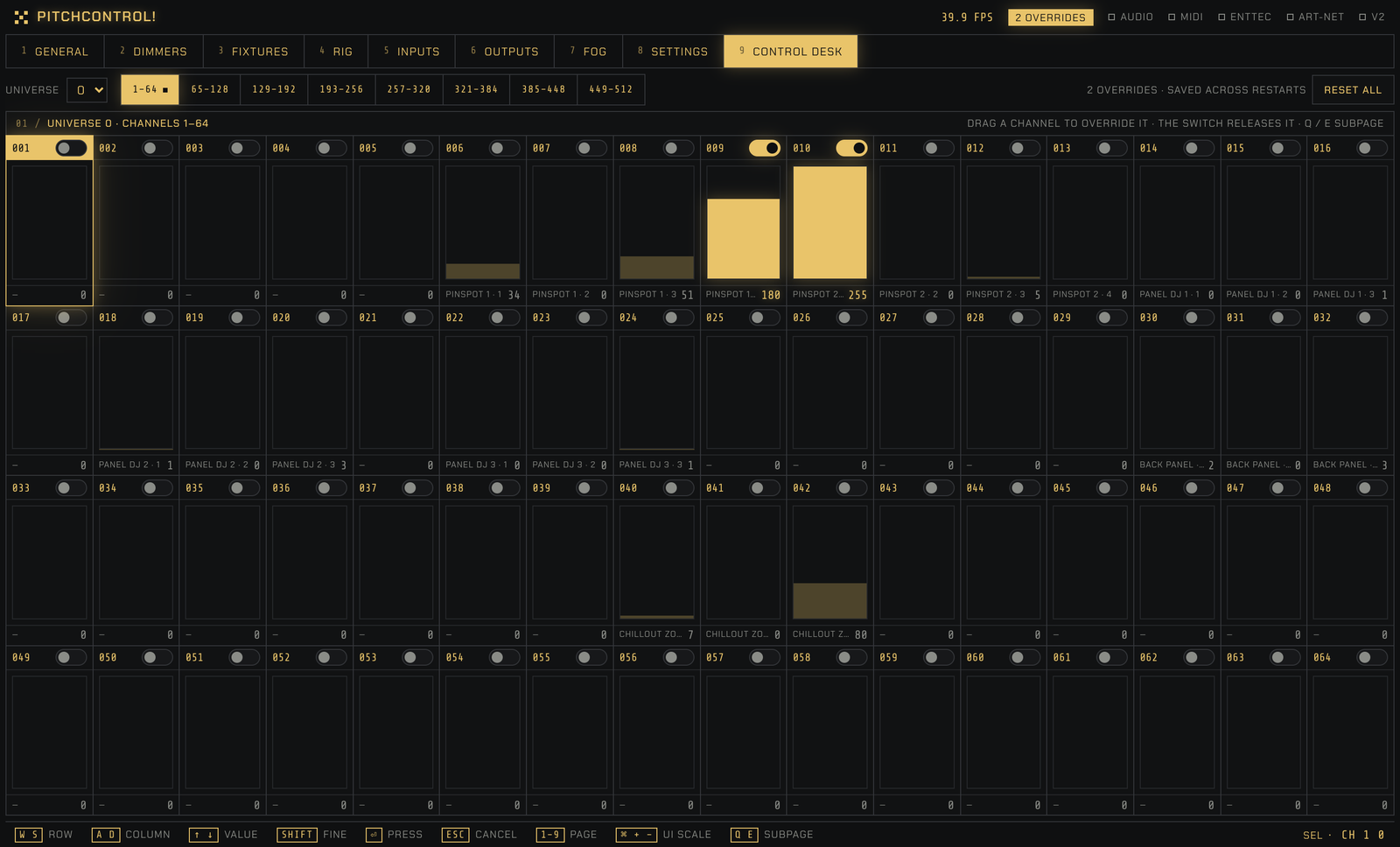
Every DMX channel as a fader. Take over any channel by hand, for a house light or a stubborn fixture, without leaving the show.
Fog on a timer
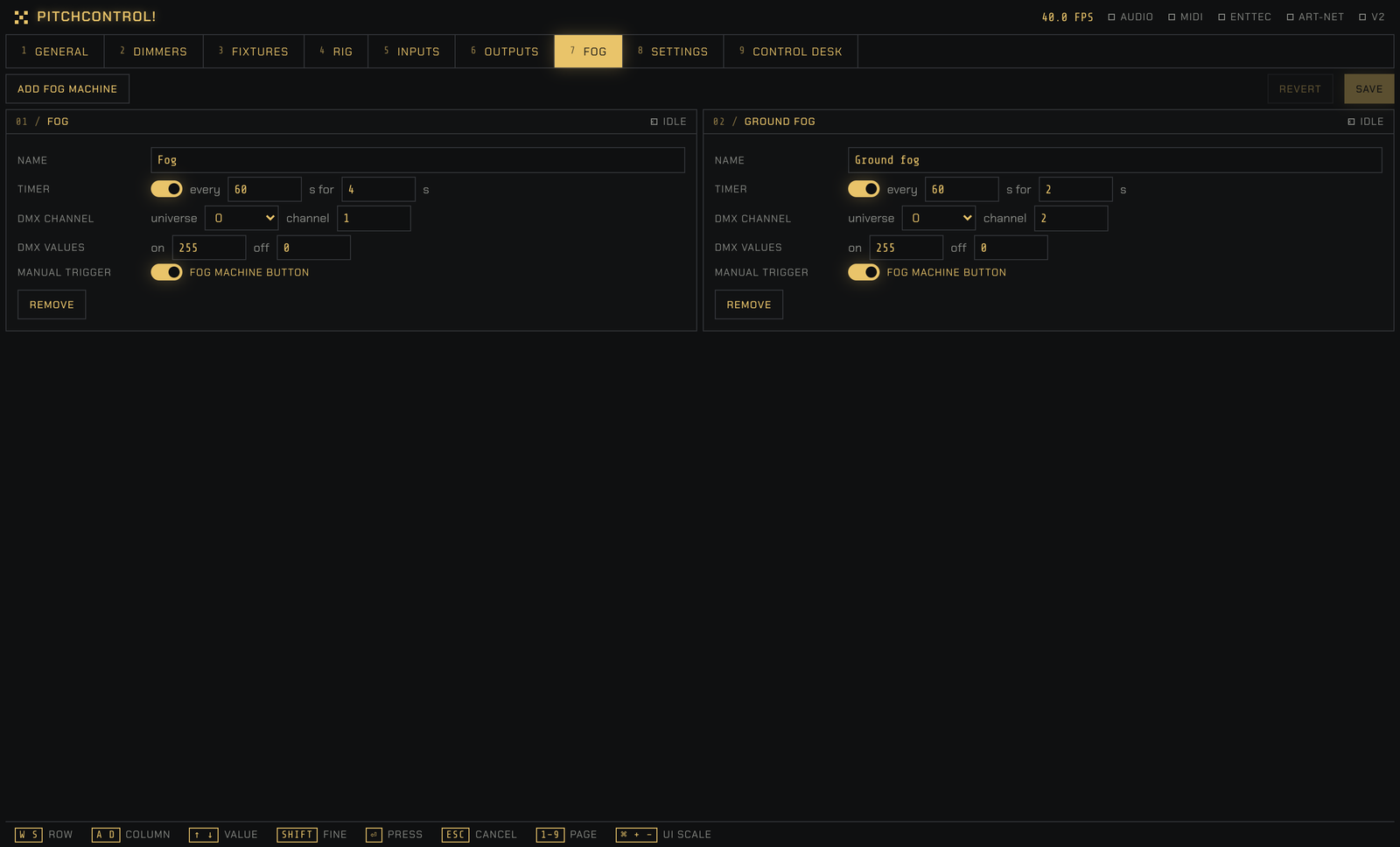
Run fog machines on a schedule, “every 60 seconds for 4”, or fire them by hand from the General page or your controller.
Made for the booth
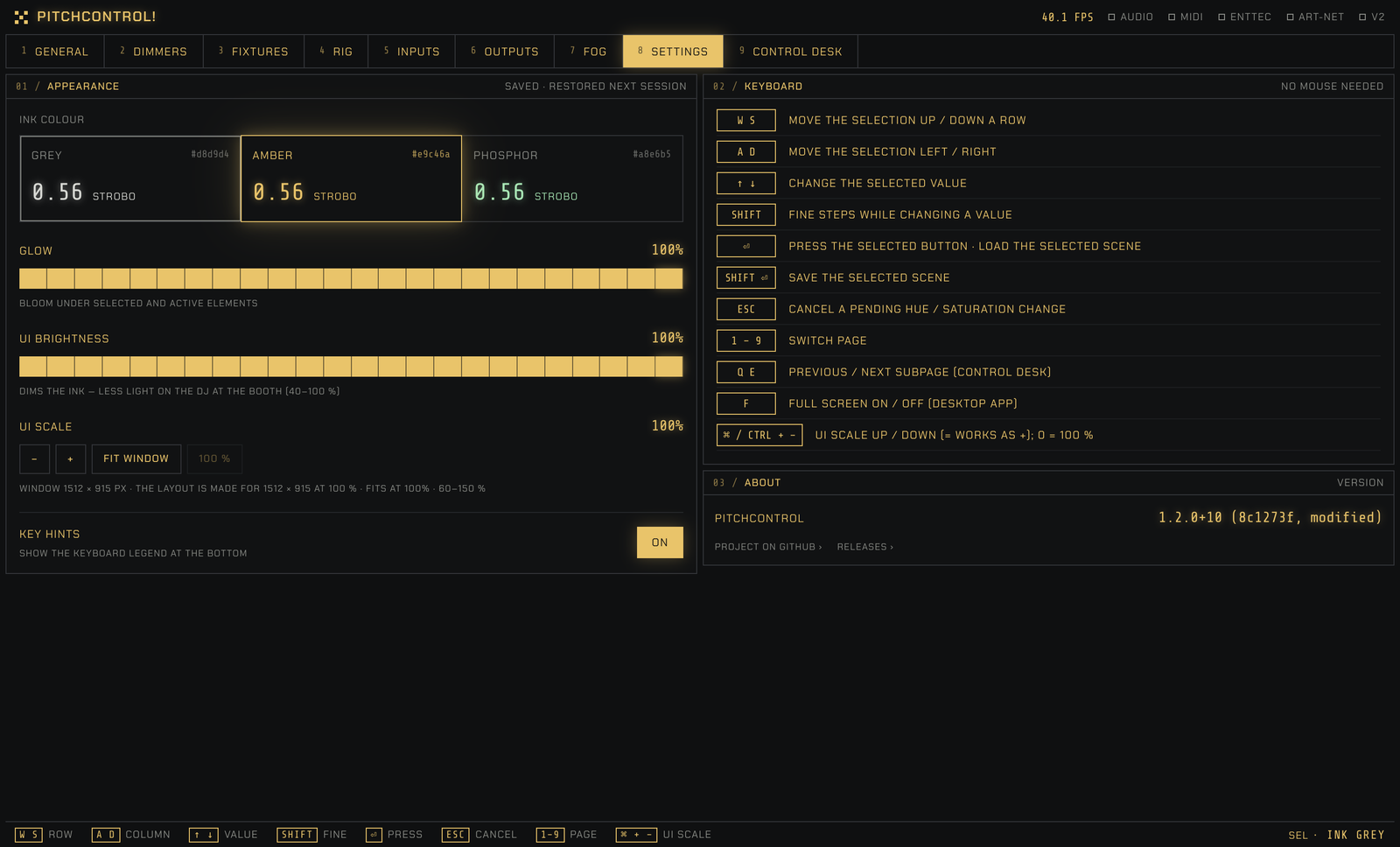
A calm monochrome UI that dims down in a dark room. Everything works from the keyboard, and nothing needs an internet connection.
04/A look around
RigThe fixtures of one event: addresses, groups, placement in the room and per-fixture overrides.